Show Missing Cost Data
View Objects that do not have Cost Data
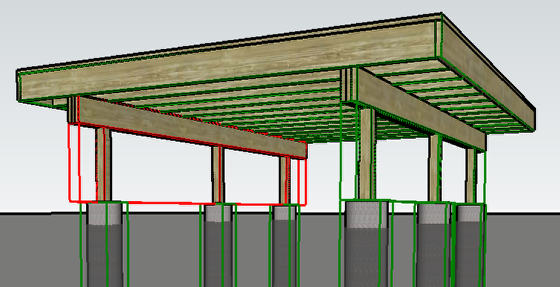
Click the 'Show Missing $' button.
Objects that do not have cost data associated with them will be highlighted in red.
Objects with valid cost data will be highlighted in green.
Use 'Color by Layer' to Check Cost Data
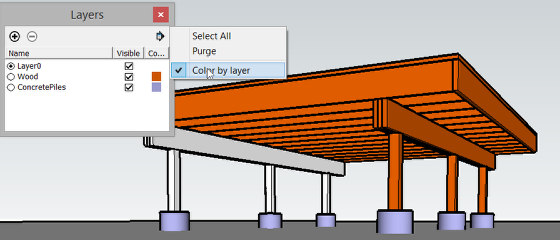
Use SketchUp's Color by Layer setting to check which Layer (and weight / cost data) a particular Object is associated with.
Note: If the Object is nested inside other Groups and Components, the Layer of the Object might be determined by one of the Parent Group or Components.